

Guides
Do I Need a VPN to Log Into a Bought Account?
Often yes. If a listing says login with US IP or names a country, use a paid VPN set to that country for the first logi…
17 Oct 2026

How to transfer Instagram account ownership: Instagram has no transfer button, so the seller hands over the login and you replace every recovery detail yourself. Change the email, phone number and password, set up your own 2FA, remove old devices and linked accounts, then confirm the seller can no longer get back in.
Published 17 October 2026 · 6 min read · RediLTD
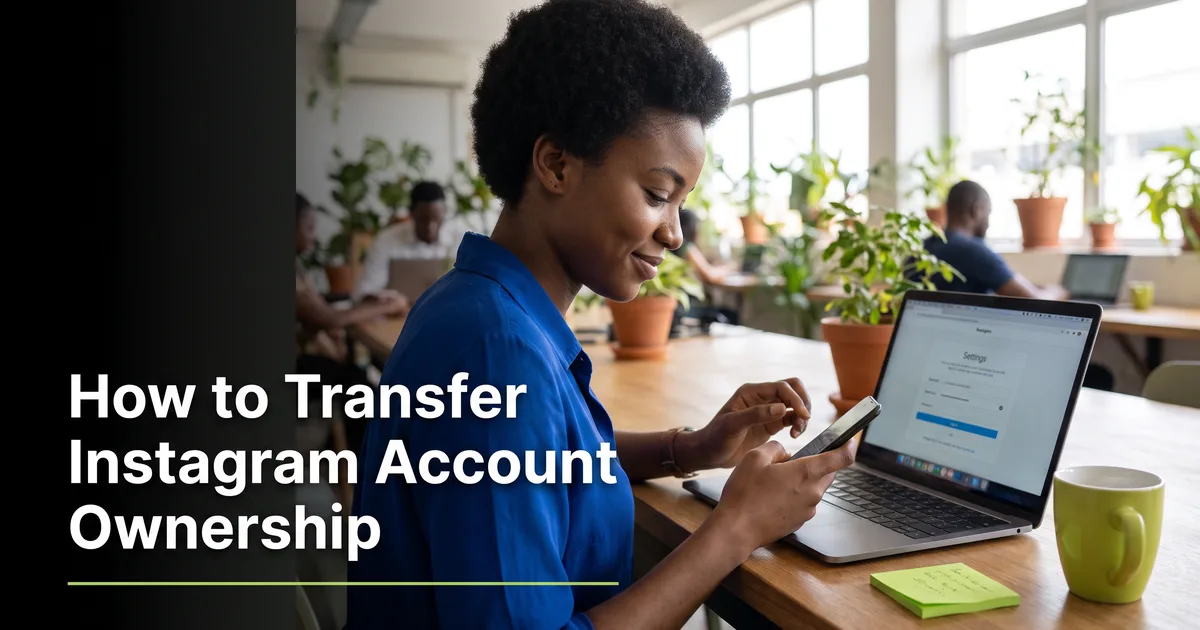
Nobody can click a button and hand you an Instagram account. The seller gives you the login, and the transfer is finished only when you control every way back in. If you plan to Buy Instagram Accounts in Nigeria, this is the part that decides whether the account stays yours.
Rediprofiles is not affiliated with Instagram. Instagram's rules do not allow accounts to be sold or transferred, and we cannot stop Instagram restricting an account that changes hands. What we can do is give you a 30-minute review window after delivery and replace accounts with a valid issue reported inside it. Use that window well.
No. Instagram has no ownership transfer feature. An account belongs to the email, phone number and password attached to it. So a transfer in practice means one thing: you replace every one of those details with your own, and you remove anything the old owner could use to get back in.
That is also why the order of steps matters. Change the recovery details first, then the password, then sign out everywhere else. Do it the other way round and the old owner can still reset things.
Use your own phone on your own mobile data or home Wi-Fi. Follow any login instructions in the listing. Some listings, especially foreign ones, say which location to use. If Instagram asks for a code, use the details given with your order, then move straight to the next step.
Go to your profile, open the menu, then Accounts Center and Personal details. Add an email address that only you can open, and remove the old one. A fresh Gmail address you have never shared works well. Confirm it with the code Instagram sends.
Do the same with the phone number. If the account has a number attached, remove it and add yours. Menu names change from time to time, but the settings for email, phone and password have always sat together under account details or Accounts Center.
Choose a password you have never used anywhere else. Do not keep the one you were given, even if it looks strong. The seller still knows it.
Open Security and set up two-factor authentication with an authenticator app. Many Rediprofiles Instagram listings are marked 2FA, which means the account arrives with it set up. Still replace it with yours, otherwise the old setup stays attached. Save the backup codes somewhere safe, not in your notes app on a shared phone.
In the login activity section, log out of every session except your own. This removes the seller and anyone else who was signed in.
Check Accounts Center for other accounts linked to this one, and remove them. Look at connected apps and revoke any you do not recognise. Also check whether a Facebook page or profile is linked, since that is another route into the account.
| Item | What to do | Why it matters |
|---|---|---|
| Replace with your own | Password resets go here | |
| Phone number | Replace with your own | Codes and recovery go here |
| Password | Set a new, unique one | The seller knows the old one |
| 2FA | Set up your own authenticator | Blocks anyone with the old setup |
| Active sessions | Log out all other devices | Removes the old owner's devices |
| Linked accounts and apps | Remove what you do not use | Closes side doors into the account |
Straight away, and inside the review window. If the login fails, or the account is not what the listing described, tell live chat while a replacement is still possible. Live chat is open 8am to 10pm daily. After the window closes, we cannot treat a problem as a delivery fault, because we cannot tell it apart from something that happened later. Read the buyer protection page before you pay so you know exactly what is covered. Change of mind is not covered, and there are no refunds for it.
For the bigger picture on risk, read Is it safe to buy a Facebook or Instagram account in Nigeria?. If you are still choosing a seller, see where to buy social media accounts in Nigeria.
None of these steps makes an account immune to a platform decision. They remove the obvious ways a transfer goes wrong, and they leave you with a clear record if you need to use the replacement window.
No. Instagram has no tool for moving an account from one person to another, and its terms do not allow selling accounts. In practice a transfer means the seller hands over the login and you replace every email, phone number and password. Rediprofiles cannot stop Instagram restricting a transferred account.
There is always some risk, because platforms prohibit transfers and can restrict an account at any time. You lower it by buying from a seller with a clear replacement window, checking the account straight after delivery and securing it fast. Rediprofiles gives a 30-minute review window after delivery, with a replacement for valid issues.
Check the listing for 2FA, the account age and what comes in the set. Ask what the follower count is made of, and confirm the replacement terms are stated before you pay. Avoid sellers who push you to pay into a personal account with no record. Korapay and bank transfer both leave one.
Change them straight away, inside the review window. If the login fails or the account differs from the listing, report it to live chat while a replacement is still possible. Waiting means nobody can tell a faulty account from a mistake made later, so the problem is harder to prove.
Written by RediLTD
Often yes. If a listing says login with US IP or names a country, use a paid VPN set to that country for the first logi…
What does verified mean on a bought account? Usually that the email address was confirmed. It does not mean a blue tick…

Want to buy Facebook page access? Buy an account that has already created pages. Rediprofiles lists Facebook accounts m…
Create your free Rediprofiles account in a minute, pay in naira, and get your login the second you pay.